Simplify Presentations with Process and Strategy PowerPoint
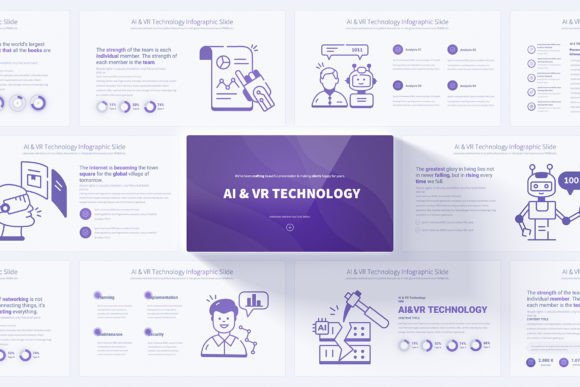
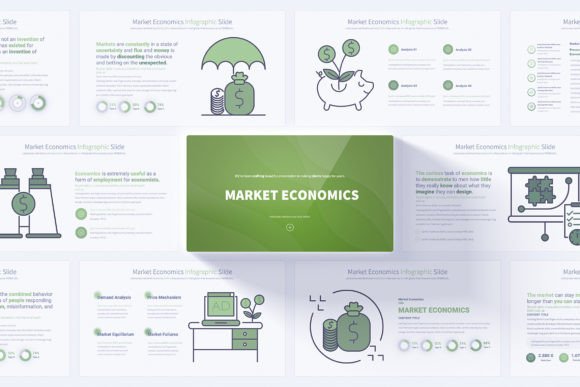
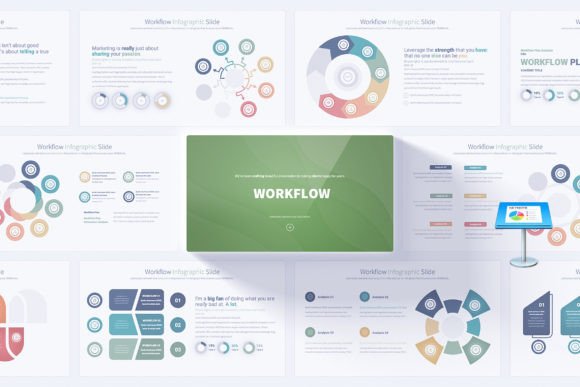
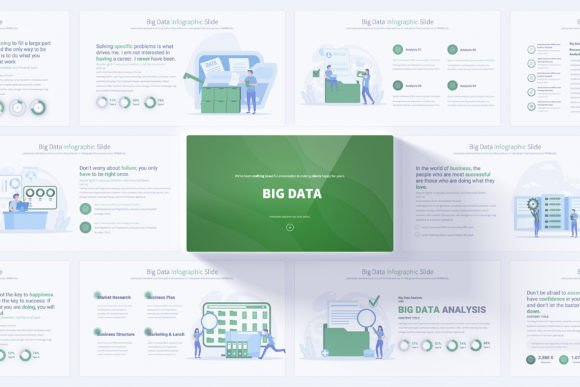
Most business presentations share the same hidden struggle. You have a clear idea in your head, but translating that into a sequence of slides that feels logical, professional, and visually coherent can eat up hours of time. This is exactly where a well-designed template steps in. The Process and Strategy PowerPoint infographics slides offer a structured yet flexible starting point, built to take the friction out of building presentations that explain how things work, how decisions are made, or how a plan unfolds step by step.
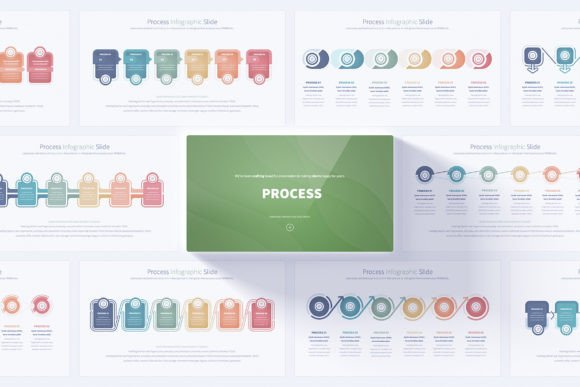
But what makes a template genuinely useful across different industries and skill levels? It is rarely about simply having "more slides." It is about how those slides adapt to different thinking styles, different audiences, and different communication goals. Whether you are a first-time presenter, a seasoned consultant, or a creative entrepreneur, the way you approach a process slide deck will vary. What stays consistent is the need for clarity, customization, and speed. The template provides 17 unique process layouts, expanding into 204 total slides with multiple color variations, so it can serve very different needs without forcing anyone into a rigid mold.
What a Process Template Actually Does for Your Workflow
At its core, this PowerPoint resource is a collection of handmade process infographics. It covers professional opening and closing slides, step-by-step diagrams, and fully editable vector icons. Because everything is built into Slide Master, you can make global changes to fonts, colors, and layouts without manually adjusting each slide. This approach matters for anyone who values consistency but does not want to spend hours aligning boxes and arrows.
For a beginner, the immediate benefit is confidence. Starting from a blank slide can feel intimidating. A structured template shows you how a logical flow can look, and the 12 color variations on a light background mean you can choose a palette that matches your brand or message without needing design experience. The included PDF documentation also acts as a quiet guide, offering direction without overwhelming technical jargon.
For a busy marketing professional or strategist, the template solves a different problem. Here, the priority is often speed and polish under tight deadlines. With 204 total slides, you can pick the exact sequence that fits your narrative arc, whether you are mapping a customer journey, outlining a go-to-market strategy, or presenting a quarterly review. The animated transitions are subtle enough for boardroom settings but add a layer of visual rhythm that keeps an audience engaged during longer presentations.
Who Cares About Process Visualization and Why
Different people come to a Process and Strategy PowerPoint template with different expectations. Recognizing these variations can help you decide if a resource aligns with your personal or professional goals.
Educators and Trainers
Clarity and logical sequencing are paramount in educational settings. A trainer explaining a new software workflow or an educator breaking down a theoretical model needs visuals that reduce cognitive load. The handmade infographics in this template avoid the generic, overly corporate look that can feel sterile in a classroom. Instead, they feel crafted, which can make abstract concepts more approachable. The bonus of 280 editable vector icons is especially practical here, allowing instructors to replace generic symbols with ones that match their subject matter, from science to humanities to technical skills.
Small Business Owners and Freelancers
When you run a small business, you often wear multiple hats, and design is rarely your primary skill. Yet you still need to pitch clients, train new hires, or explain your service process. For a freelancer proposing a project timeline or a café owner illustrating inventory flow to new staff, ease of use is the non-negotiable factor. This template's user-friendly Slide Master approach means you can insert your own content, swap a few icons, and have a presentation that looks bespoke. It bridges the gap between what you can envision and what you can realistically create in a single afternoon.
Strategy Consultants and Corporate Teams
In corporate environments, the bar for visual polish is high, and the tolerance for inconsistent formatting is low. A consultant presenting a strategic roadmap to a leadership team must convey authority and attention to detail. The 16:9 Full HD resolution ensures compatibility with modern screens and projectors, while the 12 color variations let you align the deck with company branding guidelines effortlessly. Since each slide is fully editable, you are not stuck with placeholder shapes that cannot adapt to nuanced business models or complex organizational structures.
Creative Professionals and Content Creators
Designers, video editors, and content creators often have a sharp eye for aesthetics but may not want to build presentation assets from scratch. The handmade infographics offer a visual texture that feels intentional rather than template-driven. Because the vector icons are fully editable, a creative director can recolor, resize, or decompose them into new shapes, turning a slide into a starting point for something more custom. For portfolio presentations or creative pitch decks, this flexibility is a genuine advantage.
How Different Priorities Shape the Template Experience
Every user approaches a template with a hierarchy of needs. Some want speed above all else. Others care most about long-term reuse. Understanding these priorities helps you evaluate whether this particular Process and Strategy PowerPoint collection matches how you work.
Speed and simplicity often matter most to beginners and entrepreneurs. They need to open a file, drop in text, and feel ready to present within minutes. The template supports this with its simple customization via Slide Master. Instead of editing each slide individually, you adjust global settings and move on. The PDF documentation provides quick-start guidance, which reduces the learning curve.
Flexibility and control are typically higher priorities for experienced designers, consultants, and creative leads. They are not looking for a pre-packaged solution that resists modification. They want a structured foundation they can reshape. This is where the 17 unique process slides and the bonus icon set become valuable. A single slide can be modified to fit a linear process, a cyclical loop, a branching decision tree, or a layered hierarchy. The editable elements extend the template's lifespan across multiple projects and client types.
Cost and long-term value weigh heavily for educators, freelancers, and small business owners who operate with lean budgets. Investing in a template that provides 204 total slides, 12 color schemes, and reusable icons means you are not purchasing separate assets for every new presentation. The handmade infographics also age better than trend-driven designs, so you can return to the template months or years later without it feeling outdated.
Presentation impact is the main concern for public speakers, marketers, and sales professionals. A deck that falls flat visually can undermine even the strongest message. The animated transitions, clean light background, and professional opening and closing slides create a narrative arc that feels intentional. Rather than abrupt slide changes, the transitions guide the viewer's eye, subtly reinforcing the flow of information.
Practical Ways Different Users Apply the Template
Let's look at a few concrete scenarios. A freelance business analyst preparing a client report on operational efficiency might use the step-by-step infographics to map existing bottlenecks against proposed improvements. They can color-code each stage using one of the 12 variations, making the contrast between current state and future state immediately visible.
An HR manager onboarding new employees could adapt the process slides to illustrate company workflows, reporting structures, and compliance procedures. The fully editable vector icons allow them to replace abstract markers with relevant symbols like documents, people, or notifications, making the content feel tailored rather than generic.
A digital marketer planning a content strategy might use the cycle and funnel infographics to map blog post creation from ideation to publishing to promotion. The handmade quality of the graphics adds warmth to what might otherwise be a dry operational chart, creating a deck that clients or stakeholders will actually want to read.
An educator teaching project management principles could assign students to use the template for their capstone presentations. The structured slides provide scaffolding for students who struggle with design but need to communicate complex project plans clearly. Meanwhile, the editable nature means advanced students can push the template further, customizing it to reflect their own visual identity.
Features That Support Real-World Use
Understanding the technical and practical aspects of the template clarifies where it fits into real workflows. The PowerPoint PPTX format ensures broad compatibility across different versions of the software, which is critical for teams collaborating across organizations or devices. The 16:9 Full HD resolution aligns with modern display standards, removing the need to crop or letterbox content when presenting on widescreen monitors or projectors.
The inclusion of professional opening and closing slides might seem like a small detail, but it addresses a common friction point. Many templates focus heavily on content slides and leave users scrambling to create a polished intro and outro. Having these built in, and editable within Slide Master, means your presentation starts and ends with the same visual weight as the core content.
The 280 bonus vector icons deserve special attention because they expand the template's utility into unexpected areas. A user might start by building a process flow for a sales pitch and later realize the same icon set works perfectly for a training manual, an infographic, or even a social media visual. Since they are fully editable, you can change line weight, color, and scale without losing quality, which is a practical benefit for anyone who regularly repurposes content across different mediums.
Matching the Template to Your Personal or Professional Goals
Deciding whether the Process and Strategy PowerPoint template fits your needs comes down to a few honest self-assessments. If you often find yourself starting presentations from scratch and losing time to formatting rather than focusing on your message, a structured template can be a practical shortcut. If you need to present processes, strategies, or step-by-step plans more than once a quarter, having a dedicated resource makes frequent reuse effortless.
If your work involves client-facing deliverables, the polished, handmade aesthetic communicates a level of care that can subtly influence how your recommendations are received. This is not about flashy design for its own sake; it is about removing visual noise so your ideas land clearly.
For those who are learning presentation design or mentoring others, the template also holds educational value. By examining how the slides are structured within Slide Master, you can learn principles of clean layout, consistent spacing, and color harmony that apply far beyond this single resource. The PDF documentation further supports that learning curve, making the template accessible even if your PowerPoint skills are basic.
Ultimately, the utility of any template is measured by how naturally it fits into your existing habits. If you value having a wide range of options without being overwhelmed by complexity, the balance of 17 unique slides and 204 total variations provides a comfortable middle ground. You are not locked into a single design language, but you also do not have to wade through thousands of disorganized options to find what works.
The Process and Strategy PowerPoint infographics slides address a timeless challenge: making complex sequences feel simple and engaging. By combining thoughtful structure with genuine flexibility, the template supports a diverse range of communicators, from the novice presenter to the experienced strategist. When the tool fades into the background and your ideas take center stage, the presentation has done its job.